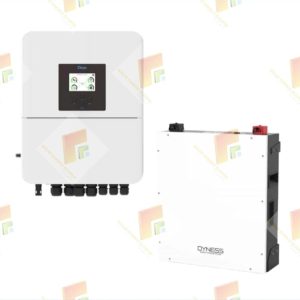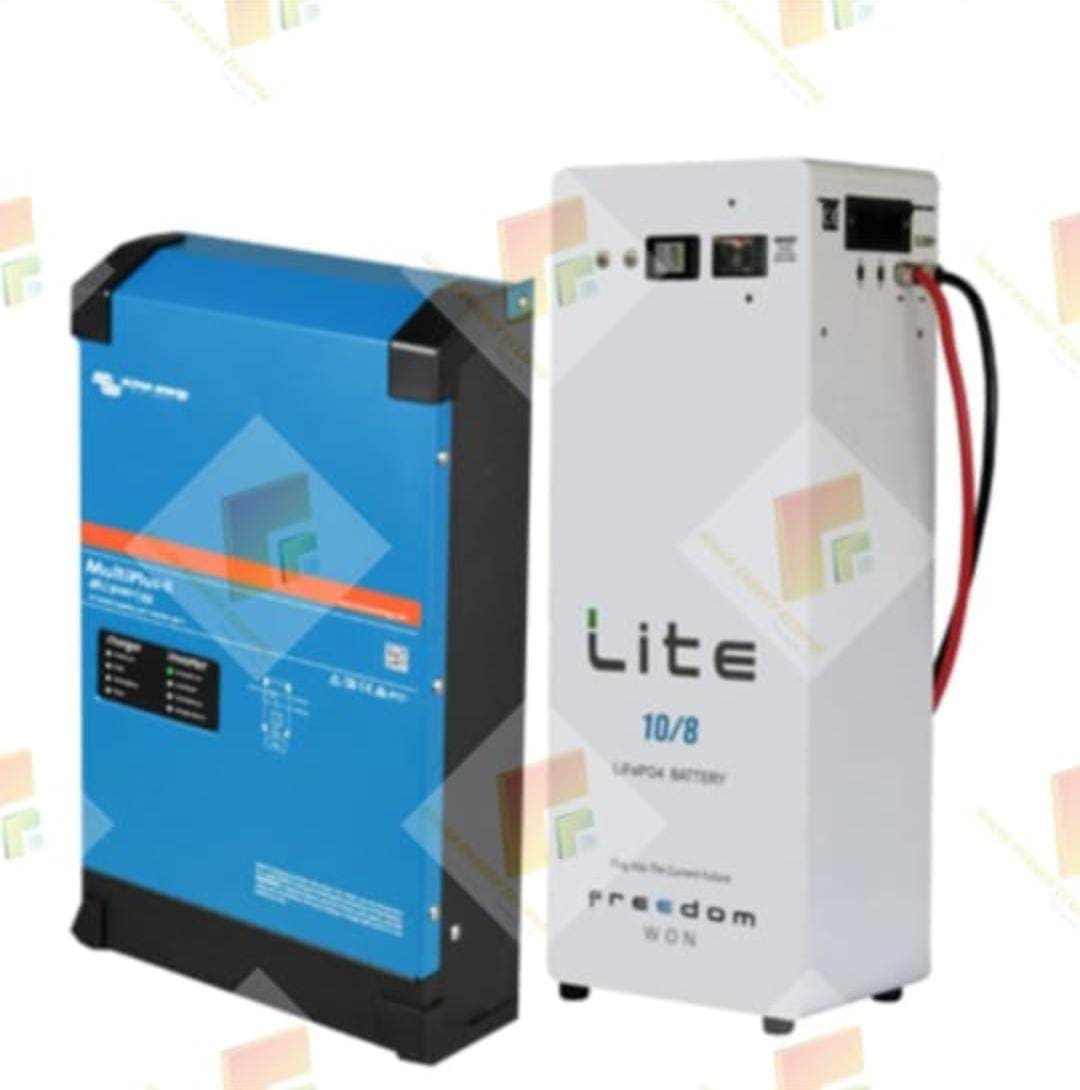
The setup requires updating the Victron system, selecting the appropriate user installer level with the password “three zeds,” enabling remote monitoring, and ensuring the correct CAN bus speed (500) for communication between the Freedom Won battery and the Victron system.
Setup Steps
-
- Update Victron System: Start by updating the Victron system (like a Color Control GX or Cerbo GX) to the latest firmware through the firmware settings.
- Access Installer Level: Navigate to the settings, select the installer user level, and enter the password “three zeds” to access advanced configurations.
- Activate Remote Monitoring: If you intend to use VRM Portal, activate remote support, set the time zone, and enable remote console through the VRM portal with a LAN connection.
- Enable Two-Way VRM Communication: Enter the VRM portal ID and enable two-way communication to allow control and monitoring of the system through the VRM Portal.
- Configure CAN Bus: Set the CAN bus to 500 (500kbps) to establish communication with the Freedom Won LiTE battery.
- Select Battery Monitor: In the Victron system, select the Freedom Won battery as the battery monitor.
- Reboot: After making these changes, reboot the system to stabilize the new settings.
Important Considerations
- CAN Bus Cable:Use a correctly configured CAN bus cable for the connection to prevent damage to the devices.
- System Compatibility:The Victron inverter must be equipped with a CAN interface and a method to connect the CAN wires to communicate with the Freedom Won battery’s Battery Management System (BMS).
- Parallel Systems:If connecting parallel batteries, ensure all batteries are of the same model to maintain proper communication and function